
For some webshops and partners, we use data imports. We’ll take the example of Zalando Lounge. We import all current brand sales. They are imported as ‘concepts’, so you can decide which are interesting enough to publish for our visitors. Use your judgement to decide which brands and promotions are interesting enough. A few highly appreciated brand promo’s:
- Adidas
- Nike
- Jack & Jones
- Diesel
- Reebook
Step by step guide
When logged into the WordPress backend, look for ‘All Import’ in the left column:
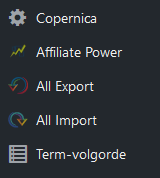
Hover over ‘All Import’ and click on ‘Manage Imports’. You will now see a complete list of available data imports that we are able to run. We will take the specific example of Zalando Lounge brand sales.

You can see the import data URL, when this import was last run and the amount of coupons that were created that time.
Click on ‘Run Import’ and then ‘Confirm & Run Import’ to start the import process.
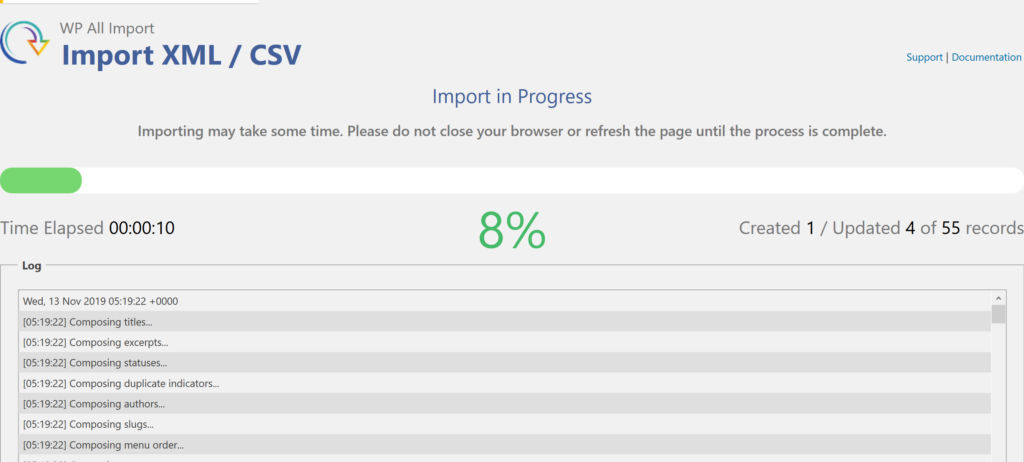
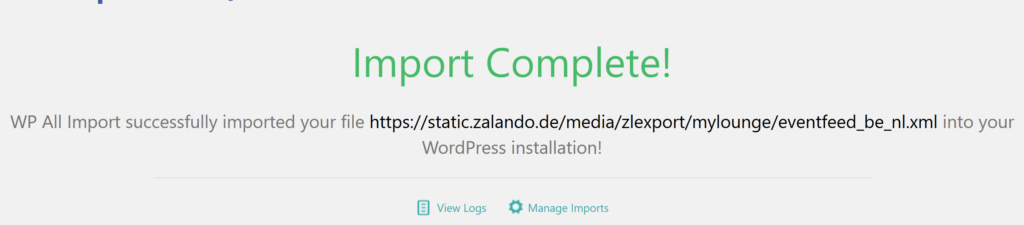
The data is now processed and loaded into (newly created) coupons. After the import is ready, you will see the following:
When we now visit Coupons PRO > Alle coupons, you will see a list of newly created (concept) coupons.
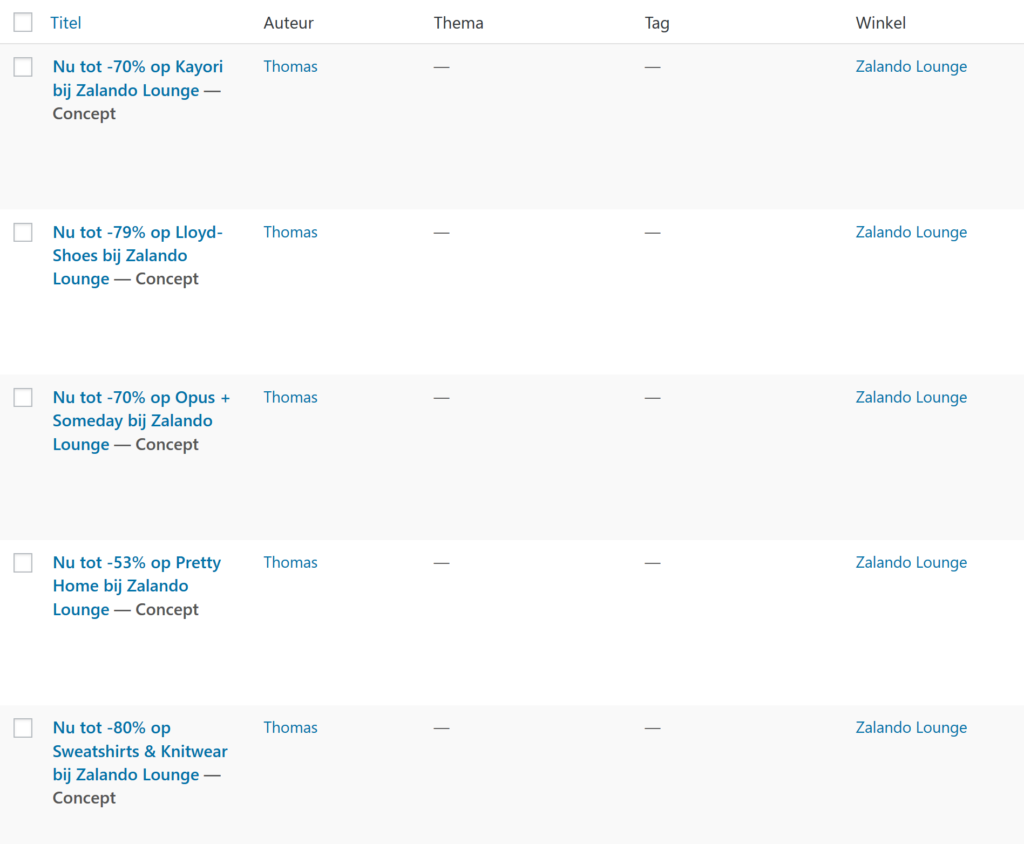
When you hover over these concepts, you will see ‘Edit’ appear. Choose the right coupons (brand promotions in this case) and open up the edit coupon screen for each one:
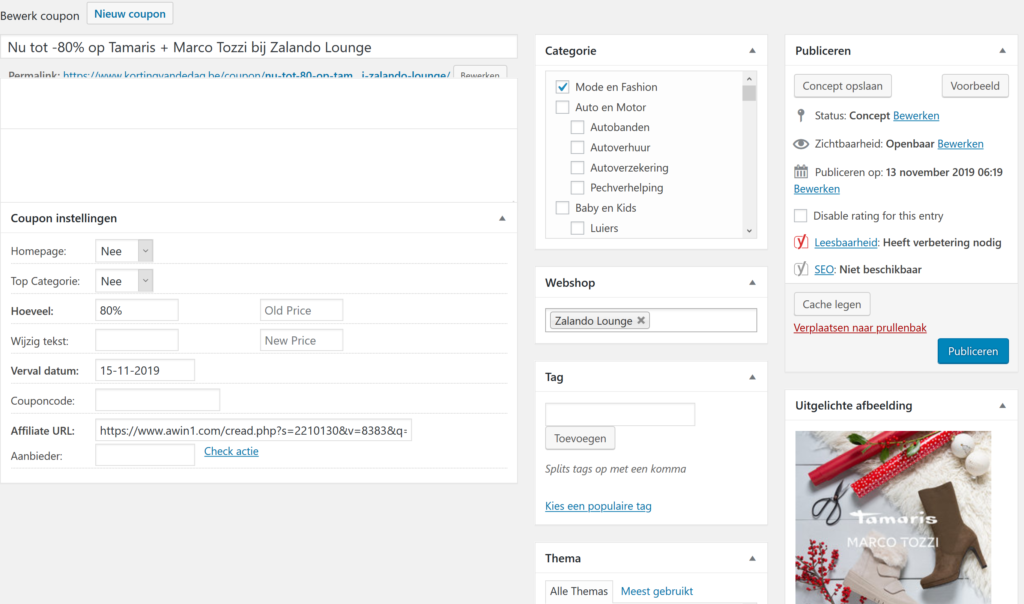
Perform a few checks before publishing the coupon:
- Is the title looking good?
- Does it have the correct ‘Categorie’? It will – by default – have ‘Mode en Fashion’ as categorie. It could be useful to add or switch to ‘Schoenen’ for instance.
- Do we have to add a theme? Sometimes ‘Solden’ or ‘Black Friday’ could be useful.
- Do we also have the brand available as webshop? Add it under ‘Webshop’:
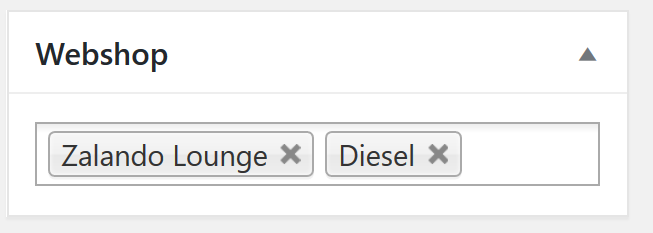
When everything looks good: go ahead and hit ‘Publish’.
Leave A Comment?