
How do we sort the coupons on the homepage?
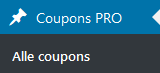
Go to ‘Coupons PRO’ > ‘Alle Coupons’
Now you see all recent coupons added. In the menu above the coupons, click ‘Filter Homepage’ and select ‘Homepage’.
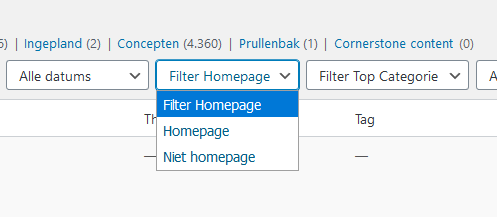
Click on ‘Filter’ to apply.
Now you only see the coupons that are visible on the homepage (that have Homepage set to ‘ja’ in coupon settings).
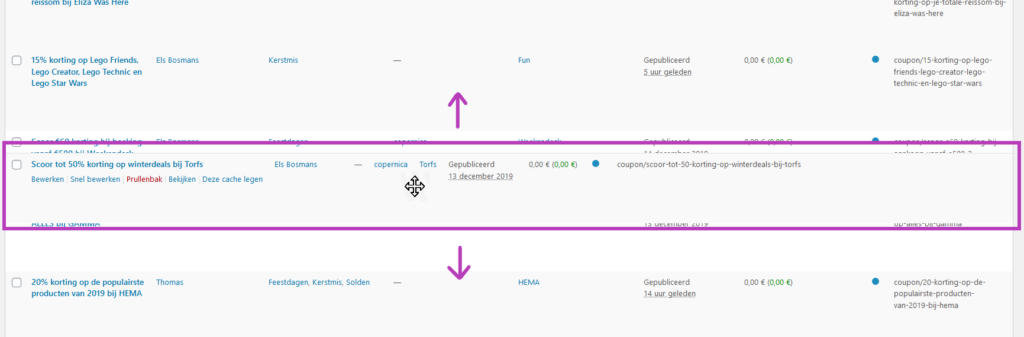
You can now drag and drop these coupons in the position you want:
Leave A Comment?