
The title of this article may sound confusing. What we are actually looking for, is: which questions are users/visitors asking in Google and/or on our website? Which kind of help do they need?
Google has made it increasingly important to understand user intent. What is someone looking for when she or he searches in Google? Furthermore, voice search is on the rise and people mostly ask questions.
Thus, we need to answer related questions as much as possible. Our websites aim to help people and point them in right direction.
Note that we said ‘related’ questions. The questions we answer need to be relevant to the website, the subject, the page and the purpose. No need to answer ‘Where can I go on holiday next summer?’ when people visit a page on discount shop X.
Where and how can we find these related questions?
1. Get inside the user’s head
This may sound weird. But it is actually quite important. Get inside the head of someone surfing the website/page. What can she or he be looking for? How could we help them? It helps to imagine yourself in their situation. You will most definitely find some questions (and answers) yourself.
2. Use Google
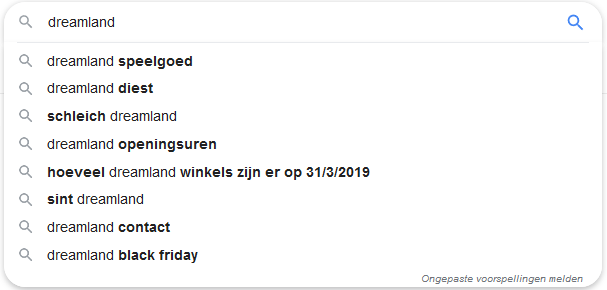
Same as with related keywords, we can use Google. Let’s use the example of ‘DreamLand’, a toy company from Belgium. If we type in ‘DreamLand’ in Google, you can find some ideas:
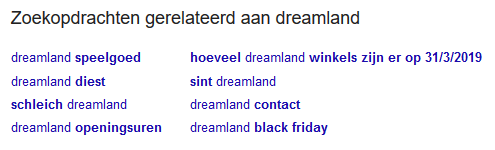
Scroll to the bottom and you’ll find related search queries:
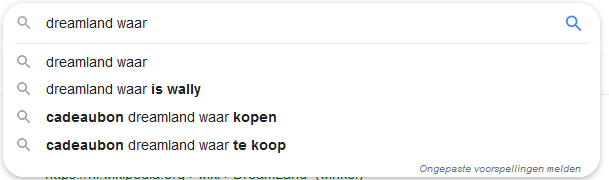
You can then also combine ‘DreamLand’ with ‘Hoe’, ‘Waar’, ‘Wanneer’, ‘Wat’, enzovoort.
3. Use the subject’s own FAQ
In the case of DreamLand, check here.
4. Answer the public
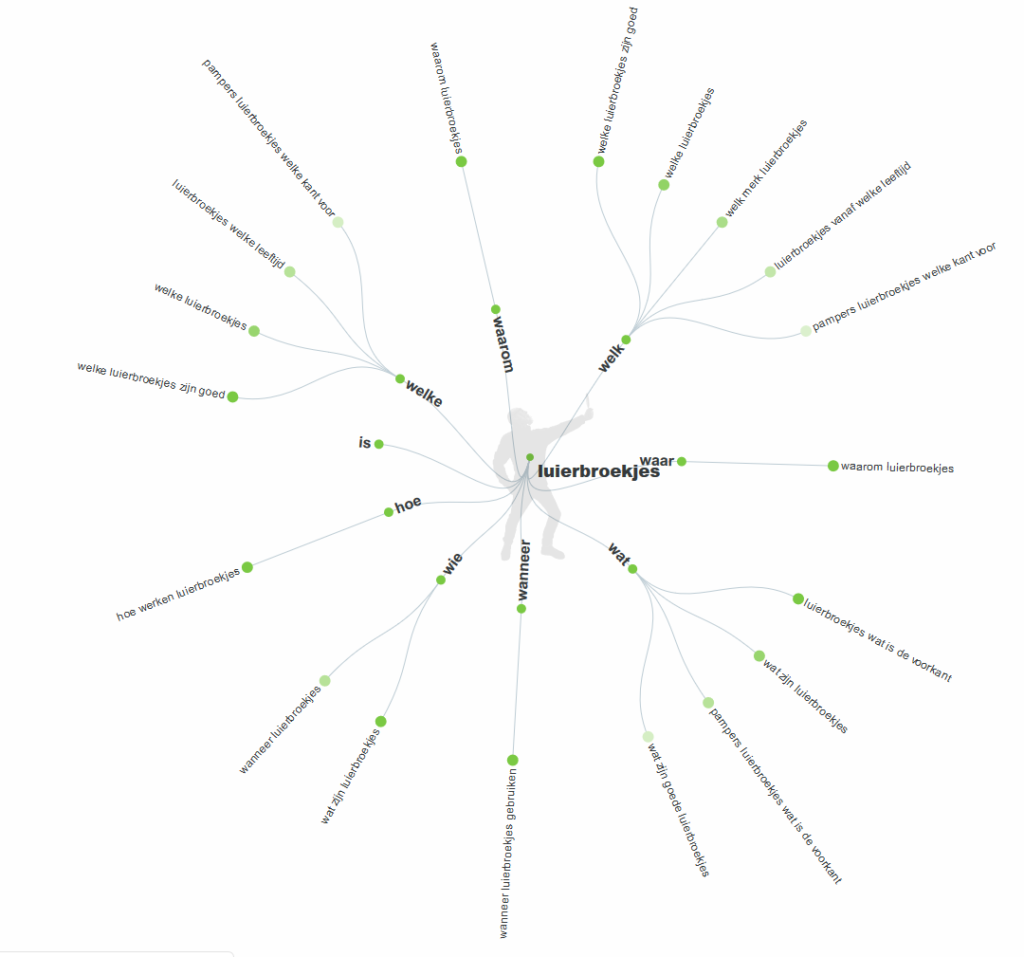
Last but not least: this neat little tool answerthepublic.com. Type in ‘DreamLand’ and you’ll get a vast array of options and questions.
An example for ‘luierbroekjes’:
5. Ubersuggest
Look up a keyword via https://app.neilpatel.com/en/ubersuggest
Next, you’ll also find ‘Questions’:

Leave A Comment?